





12 OnlyFans Tools and Software for Creators and Agencies
In this article (6)
Running an OnlyFans page takes more than OnlyFans itself: graphics, video editing, social scheduling, storage, email and fan management all happen in other software. These are 12 OnlyFans tools and software creators and agencies use, and the job each one does.
Which tools help OnlyFans creators run their page?
Useful OnlyFans tools and software cover each part of the job: OnlyStack for fan details and messages, Canva for graphics, Later or Buffer for scheduling, Google Drive or Dropbox for storage, Snapseed or Lightroom Mobile for photos, Kapwing or InShot for video, Mailchimp for email, OBS Studio for live streaming, and Notion or Trello for planning.
Running an agency rather than a single page? Agency OnlyFans management software (CRMs) is compared in the best OnlyFans CRMs.
OnlyFans tools at a glance
| Tool | What it does | Best for |
|---|---|---|
| OnlyStack | OnlyFans CRM: chatter logins and permissions, spend badges in chat, vault tabs and labels, automations | Managing fans and messages |
| Canva | Templates for banners, cover images and teasers | Graphics without design skills |
| Later or Buffer | Schedules posts on Twitter, Instagram and TikTok | Consistent social promotion |
| Google Drive or Dropbox | Cloud storage to back up and organize files | Storing content |
| Snapseed or Lightroom Mobile | Adjusts color, brightness and detail | Polishing photos |
| Trello or Asana | Boards, cards and calendar views | Planning content and team tasks |
| Kapwing or InShot | Trimming, text overlays and effects | Teasers and short clips |
| Hootsuite Insights or Sprout Social | Tracks engagement, audience and traffic sources | Seeing which posts bring subscribers |
| Mailchimp or ConvertKit | Email campaigns with open-rate tracking | Reaching fans directly |
| Grammarly | Checks grammar, spelling and tone | Captions and messages |
| OBS Studio or Streamlabs | Free live streaming with overlays and chat | Live streams and Q&As |
| Notion | Notes, tasks and databases in one place | Content and business planning |
1. OnlyStack: Manage Subscribers and Build Relationships

OnlyStack is an OnlyFans CRM for creators and agencies. Each fan's chat panel shows what they have spent, their recent purchases and subscription status, plus a note your whole team can read. An optional automation builds a fan profile from what fans say in chat, such as their job, city and likes. OnlyStack also automates routine work, such as sending a welcome message to every new subscriber, while custom requests are handed to a person.
If you run an agency and are comparing tools, see our side-by-side guide to the best OnlyFans CRMs, or our Infloww vs Supercreator comparison.
2. Canva: Create Stunning Visuals and Graphics
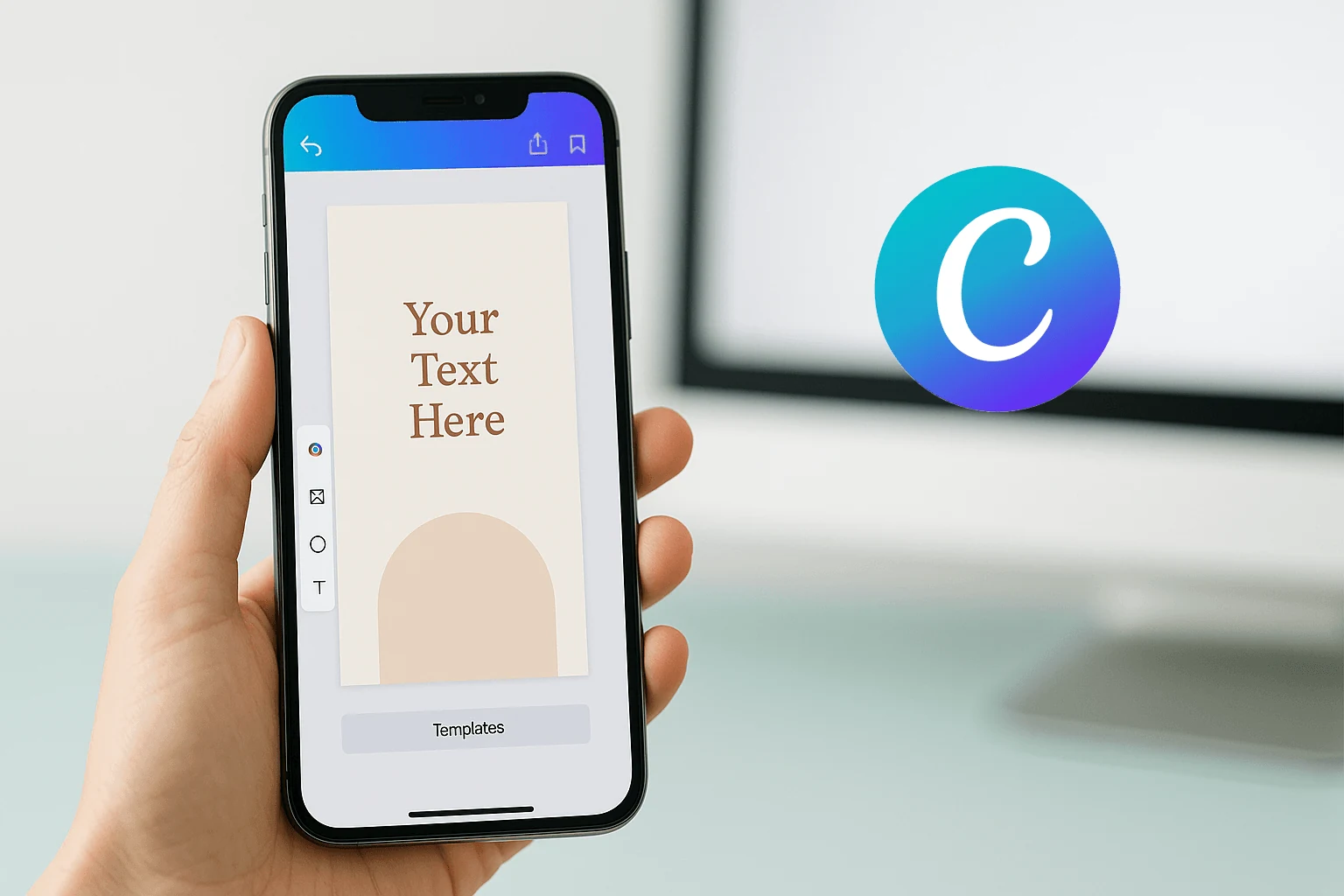
Canva is a fantastic tool for designing professional-quality graphics without needing advanced design skills. It has templates for social media posts, banners, and other visuals that can make your profile stand out. You can use Canva to create custom banners, cover images, and even teaser content to promote your OnlyFans on other platforms. The drag-and-drop interface and customizable templates make it a go-to for quick, eye-catching designs.
3. Later or Buffer: Schedule Social Media Posts
Promoting your OnlyFans on social media is essential for growth, but manually posting across platforms can be time-consuming. Tools like Later and Buffer allow you to schedule posts across platforms like Twitter, Instagram, and TikTok. With a social media scheduler, you can plan your content in advance, maintain a consistent posting schedule, and track engagement analytics to see which posts drive the most traffic to your OnlyFans.
4. Google Drive or Dropbox: Securely Store and Organize Content
Organizing and storing your content securely is crucial, especially if you’re creating high-quality images and videos. Google Drive and Dropbox offer easy-to-use cloud storage solutions where you can back up your work, organize files by date or theme, and share files as needed. Both services have apps for mobile devices, making it convenient to upload, access, and organize content on the go. There are also more alternatives like WeTransfer or Mega.
5. Snapseed or Lightroom Mobile: Enhance Photos for Professional Quality
Snapseed and Lightroom Mobile are powerful photo editing apps that can take your images to the next level. With features for adjusting color, brightness, and detail, these apps are ideal for giving your photos a polished, professional look. A high-quality visual presentation can attract more fans and keep current subscribers engaged, so investing a little time in editing your images can go a long way.
6. Trello or Asana: Organize Content Planning and Task Management
For creators juggling various projects, Trello and Asana are great tools for staying organized. You can use them to plan out content schedules, brainstorm ideas, and keep track of deadlines. With boards, cards, and calendar views, these tools are ideal for visualizing your workflow and ensuring that nothing slips through the cracks. Plus, you can add collaborators if you work with a team, making it easy to manage group projects.
7. Kapwing or InShot: Edit Videos for OnlyFans and Social Media
- f you create video content, Kapwing and InShot are user-friendly video editing tools that can add a professional touch to your clips. Kapwing is web-based, offering features like video trimming, text overlays, and effects, while InShot is a mobile app that provides similar editing features, along with aspect ratio adjustments perfect for social media. These tools allow you to make short teasers, intros, and polished video content that will capture your audience’s attention.
8. Hootsuite Insights or Sprout Social: Analyze Social Media Performance

- Tracking your social media performance can reveal what’s working and what isn’t. Hootsuite Insights and Sprout Social provide in-depth analytics that allow you to monitor engagement, audience demographics, and traffic sources. You can also track which posts are driving the most subscribers to your OnlyFans, allowing you to refine your promotional strategy for maximum impact.
9. Mailchimp or ConvertKit: Build an Email List for Direct Engagement
- Building an email list gives you direct access to your fans, allowing you to share updates, exclusive content, and special offers. Mailchimp and ConvertKitare popular email marketing platforms that offer user-friendly interfaces for creating email campaigns. They also provide analytics to track open rates and engagement, so you know which types of emails resonate best with your audience.
10. Grammarly: Ensure High-Quality Written Content

Even if you’re primarily creating visual content, written communication is crucial for captions, messages, and updates. Grammarly is a tool that checks your grammar, spelling, and tone to ensure your writing is clear and polished. A well-written message or caption can make a strong impression, encouraging subscribers to stay engaged and connected with your content.
11. OBS Studio or Streamlabs: Live Streaming Software for Engaging Content
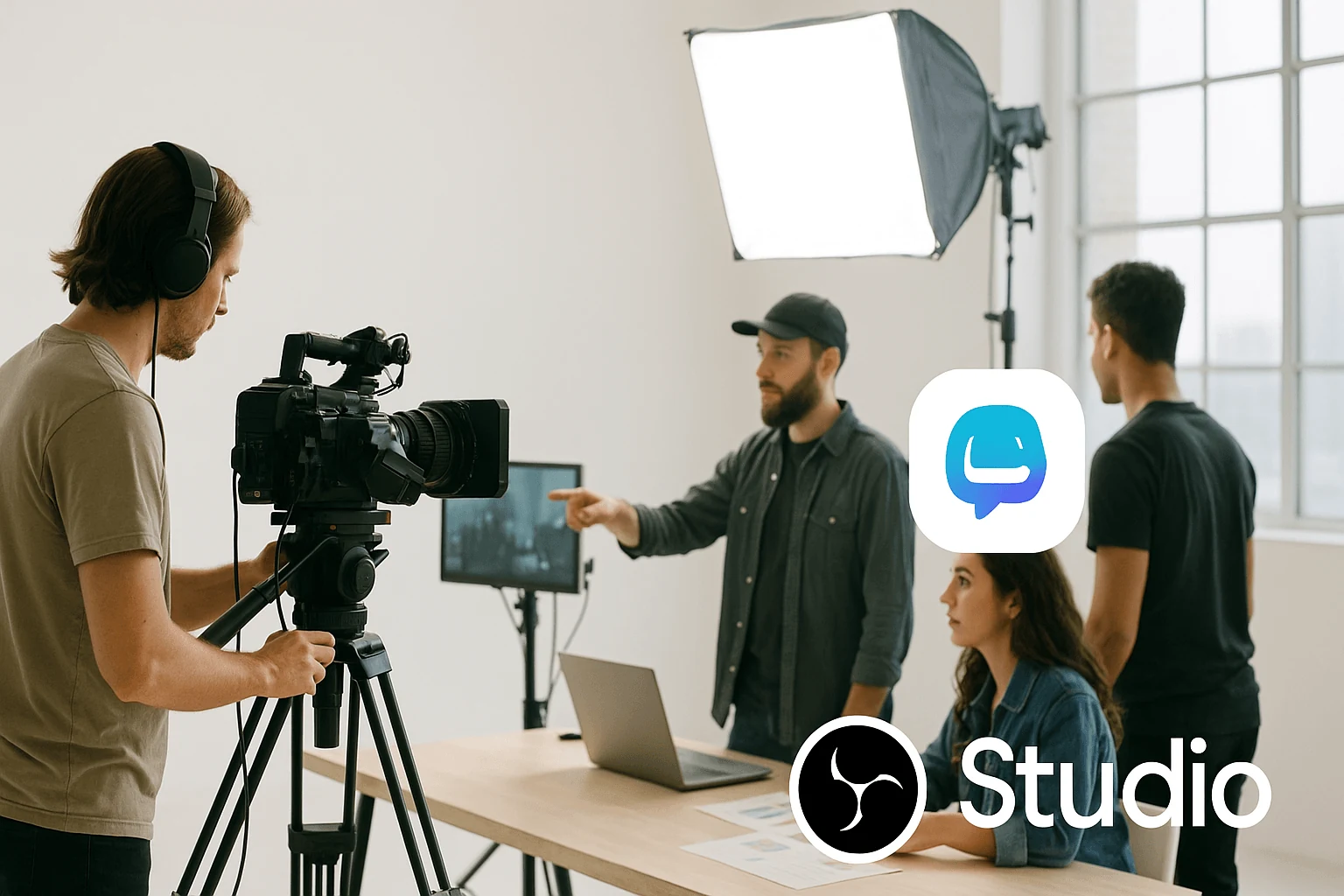
For creators who do live streaming, OBS Studio and Streamlabs are powerful, free options that support high-quality streaming. With features for screen sharing, overlays, and chat interaction, you can create engaging live sessions, Q&A events, or behind-the-scenes streams. This personal engagement can increase fan loyalty and even help attract new subscribers.
12. Notion: All-in-One Workspace for Content and Business Planning
Notion is a versatile app that combines note-taking, task management, and database creation. You can use it as a content planner, a journal for ideas, or a budgeting tool for tracking income and expenses. With its customization options, Notion allows you to tailor your workspace to fit your business needs, helping you stay organized and focused.
How to choose OnlyFans tools
- Start with your biggest time sink. Pick one tool for the job that takes you the most time, then add more later.
- Try free tools first. OBS Studio and Streamlabs are free, and some OnlyFans CRMs have free plans.
- Working with chatters? Use an OnlyFans CRM that gives each chatter their own login. Compare them in the best OnlyFans CRMs.
- Want messages to send on their own? See what to automate on OnlyFans and which tools do it.
- Keep planning in one place. Use Notion, Trello or Asana so nothing slips through the cracks.
- Looking for browser plugins? OnlyFansPlugin.com, a guide we run, compares OnlyFans plugins and Chrome extensions.
Final Thoughts
By leveraging these essential tools, you can streamline your OnlyFans management, from planning and organizing to engaging and growing your audience. The right software can help you save time, work more efficiently, and ultimately, grow your subscriber base. Experiment with different tools to find the combination that best suits your workflow, and watch as your OnlyFans business becomes more manageable and successful.
FAQ
What is the best OnlyFans management software?
There is no single best tool for everyone. Infloww is the most established for human chatter teams, OnlyStack, Supercreator and Substy lead on AI that chats and sells, and OnlyMonster covers the most platforms (best OnlyFans CRMs).
How much does OnlyFans software cost?
Most OnlyFans CRMs charge per creator account, typically $15 to $99 a month. Tools with AI chatting often add a share of the sales the AI makes, from 5% to 15%.
Can you automate OnlyFans messages?
Yes. OnlyFans itself can send a welcome message and scheduled mass messages, and CRMs add follow-ups, online-fan messages and resends (OnlyFans automation).
Is there an AI that chats with OnlyFans fans?
Yes. Supercreator, Substy, OnlyStack (on the Pro plan, with AI agents) and ChatPersona all offer one. Compare them in the best OnlyFans AI chatter for 2027.
For a related next step, read Best Camera for OnlyFans Content Creation.