





How to Promote OnlyFans on Twitter (X) Without Breaking Its Rules
In this article (12)
- How to promote OnlyFans on Twitter
- What X allows, and what it doesn't
- Twitter sensitive media settings: how to mark your posts
- Can you post OnlyFans links on Twitter?
- How to promote OnlyFans on X in 7 steps
- What to post on X to promote OnlyFans
- Growth tricks that break X's rules
- Can you run X ads for OnlyFans?
- Leaks on X: how to get them taken down
- X (Twitter) compared with other platforms
- FAQ
- Sources
Twitter is now called X, but most people still search for how to promote OnlyFans on Twitter, and the answer is the same: it is the one big social network that allows adult content, as long as you label it. That makes X (Twitter) the easiest place to post teasers and link straight to your page. It also has clear rules on where adult content can't go, on spam and on fake engagement, and breaking them costs creators their reach or their account.
This guide to OnlyFans Twitter promotion covers what X allows, how to set up sensitive media, whether you can post OnlyFans links, a 7-step plan, what to post, the growth tricks that break X's rules, ads, and leaks. Every rule here was read on X's Help Center in November 2026.
How to promote OnlyFans on Twitter
To promote OnlyFans on Twitter (X), turn on X's sensitive media setting, keep your profile photo and header safe for work, and put your OnlyFans link (or a link page) in your bio and a pinned post. Then post teasers every day, reply to the people who reply to you, and give X its own OnlyFans tracking link so you can see how many subscribers it brings. Don't buy followers, join follow-for-follow or repost groups, or send the same message to lots of people: X's rules ban all three.
What X allows, and what it doesn't
X's Adult Content policy allows consensually produced 18+ content, "provided it's properly labeled and not prominently displayed". Here is what that means for an OnlyFans creator, from X's policies as read in November 2026:
| Allowed | Not allowed | |
|---|---|---|
| Posts | Adult photos and videos, marked as sensitive | Unmarked adult media |
| Profile photo and header | Safe-for-work images | Adult content. X may lock or suspend the account |
| Live video, List banners, Community cover photos | Safe-for-work content | Adult content |
| Replies and DMs | Replies to people talking to you, messages people want | Adult media sent to people who didn't ask; bulk or identical replies and DMs |
| Links | Your link in your bio, pinned post and posts, with something to say | Posts that are only links, again and again; links edited to point somewhere else |
| Ads | Not for adult content | X's ad policy bans promoting adult content everywhere |
| Selling | Posting about your OnlyFans page | Offering paid services in person |
Three rules catch creators out most often:
- The profile photo and header. X lists them, along with live video, List banners and Community cover photos, as highly visible places where adult content is never allowed. Its media settings page says a profile or header image that breaks the rules can get the account temporarily suspended, and repeat violations permanently.
- Unwanted adult content. X's abuse and harassment policy bans sending adult images, videos or GIFs to people who didn't ask for them. Posting adult media in replies to strangers, or in DMs nobody asked for, falls under this.
- In-person services. X's illegal and regulated behaviors policy bans offering in-person paid services. Selling online content on OnlyFans is not in that list, but offers to meet fans in person are.
Twitter sensitive media settings: how to mark your posts
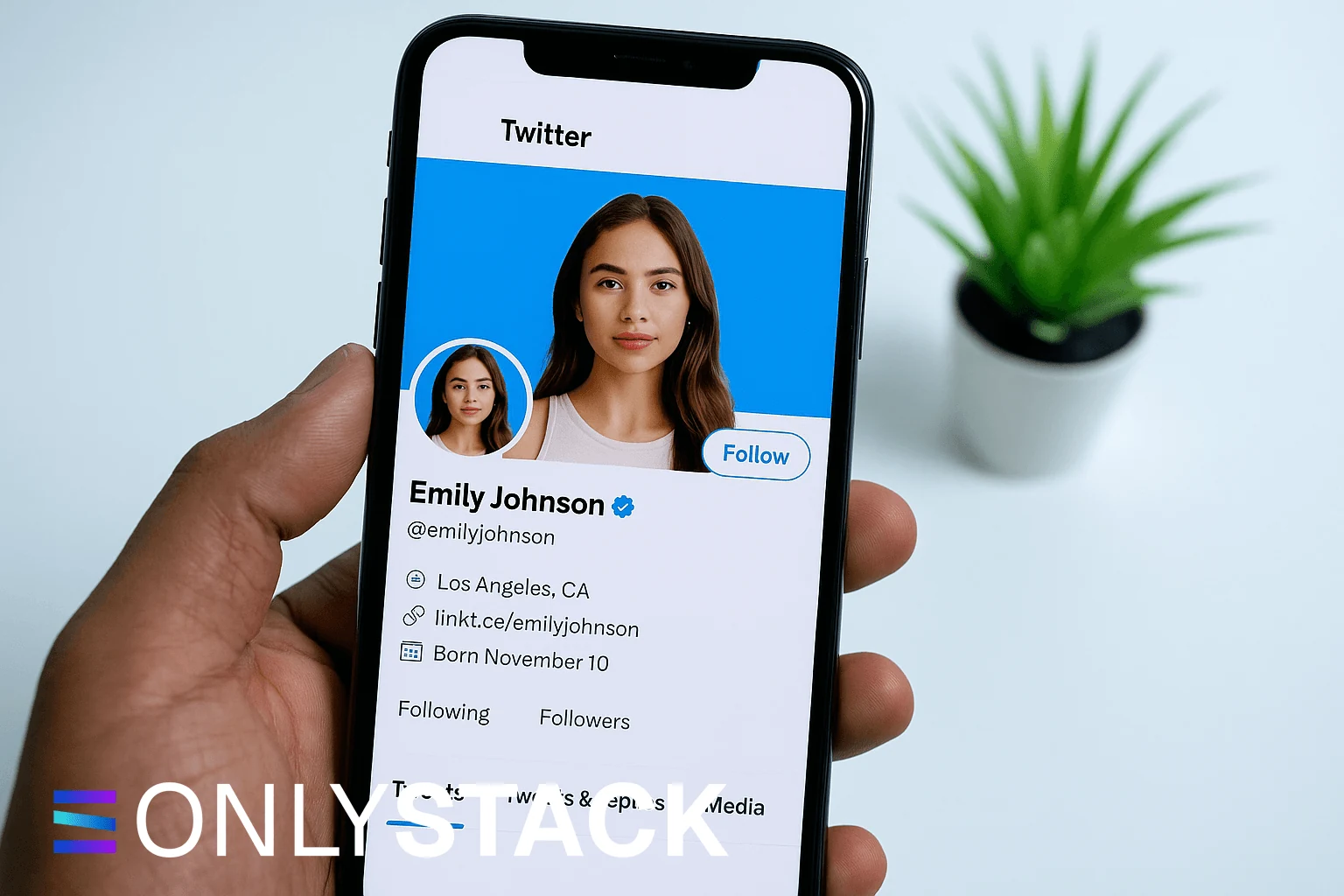
X gives you two ways to label adult content. If you post it regularly, X asks you to use the first one.
1. The account setting. This puts all your photos and videos behind a warning that people have to click through. On the X app, as described on X's media settings page:
- Tap your profile icon.
- Tap Settings and privacy.
- Tap Privacy and safety.
- Tap Your posts.
- Turn on Mark media you post as containing material that may be sensitive.
With it on, people who visit your profile may first see a message that your account may include sensitive content, and are asked to confirm they want to see it. People who have chosen to see sensitive content see your account without the message.
2. A one-time warning on a single post. After you attach a photo or video, tap the flag icon while editing it and pick the content warning that fits. This is useful if most of your posts are safe for work and only some aren't.
If you don't label your media. When someone reports an unmarked post, X reviews it. It may label the media itself and switch on the account setting for you, with a label on your account. If you keep posting mislabeled media, X may label your account as having sensitive content and turn the setting on permanently. Live video with adult content is removed rather than labeled.
Who can't see your marked media. X's adult content policy says users under 18, and people who haven't added a birth date to their profile, cannot click through to see marked content. So your teasers reach adults who have chosen to see them.
Can you post OnlyFans links on Twitter?
Yes. Nothing in X's rules bans a link to OnlyFans, and you can put one in your bio, your pinned post and your posts. What X does ban is spam. Its authenticity policy, read November 2026, rules out:
- repeatedly posting or DMing links without any commentary, so that links make up most of what you post;
- posting identical or nearly identical posts again and again, or sending identical DMs;
- posting and deleting the same content repeatedly;
- editing a link so that it ends up on a different page or site, or links that send people somewhere they don't expect.
In practice: write something in every post that carries your link, don't paste the same caption every time, and make sure the link goes where it says it goes.
OnlyFans has its own rule here too. Its Terms of Service say any link you post to promote your page must follow the rules of the site where you post it. So a link that breaks X's rules breaks OnlyFans' terms as well.
A direct OnlyFans link in your bio and pinned post is allowed on X and is one tap less for a curious follower. A link page (a simple page that lists your links) is useful if you also promote on Instagram or TikTok, where direct OnlyFans links are riskier. Either way, use a separate OnlyFans tracking link for X so you can see how many subscribers it sends compared with your other channels.
How to promote OnlyFans on X in 7 steps
- Use a separate account for promotion. X's authenticity policy allows up to ten accounts for different purposes, including a personal account next to pseudonymous ones. It does not allow several accounts that post the same content or boost each other.
- Set up the profile. A safe-for-work profile photo and header, a name fans can remember (try the free OnlyFans username generator), and a bio that says what you post and how often. Our OnlyFans bio ideas work for X with a few words changed.
- Turn on the sensitive media setting before your first adult post, as above.
- Pin your best teaser. It's the first post every profile visitor sees, so pin one that shows your style, with a line about your page and your link.
- Post every day. A mix of teasers and posts about you: your day, your opinions, questions to followers. People follow a person, not an ad.
- Reply more than you post. Answer everyone who replies to you, and join conversations in your niche with something worth reading. Replies that only push your link to people who weren't talking to you count as spam under X's rules.
- Check your tracking link every week. Compare clicks and new subscribers from X with the time you spend there, and keep the kinds of posts that bring subscribers.
What to post on X to promote OnlyFans
Show enough to make people curious, and keep what they'd pay for on OnlyFans.
| Post type | What it does | Example |
|---|---|---|
| Teaser photo or short clip, marked as sensitive | Shows your style and makes people want the rest | A cropped photo from this week's set, "full set on my page" |
| Safe-for-work post about you | Makes followers feel they know you | Your morning, a hobby, an opinion |
| Poll or question | Starts replies and tells you what fans want | "Which outfit for this week's set?" |
| Announcement | Gives followers a reason to subscribe now | A new set, a limited free trial link or a discount |
| Reply to a follower | Turns a viewer into a fan | A real answer, not a link |
Hashtags can help people find you, but use one or two that describe the post. X's spam rules ban excessive, unrelated hashtags and using trending hashtags to drive traffic to your account or website.
Growth tricks that break X's rules
A lot of old Twitter growth advice now breaks X's authenticity policy (April 2025 version). These can get your posts hidden from search and timelines, or your account locked or suspended:
- Follow-for-follow and follow trains. X bans "coordinating to exchange engagement" in any feature, including follows, and follow churn: following and unfollowing large numbers of accounts to grow your own count.
- Engagement groups and repost trains. Groups that agree to like or repost each other's posts are the same coordinated exchange.
- Buying followers, likes or reposts, or using or promoting a service that sells them.
- Several accounts posting the same thing, or extra accounts used to boost your main one.
- Mass replies and DMs. Bulk, unsolicited replies, mentions and DMs are spam, and adult media sent to people who didn't ask is also unwanted adult content.
- Hijacking trends with hashtags that have nothing to do with your post.
Shoutouts with other creators are still worth doing, as real posts in each creator's own words rather than like-and-repost exchanges. Our promotion hub explains how to set up shoutout swaps, including swaps on OnlyFans itself.
Can you run X ads for OnlyFans?
No. X's ad policy on adult products and services, read November 2026, bans promoting adult content worldwide. It covers adult websites and films, adult chats and live streams, and suggestive images or text in ads. The policy says it applies to monetization on X as well as paid ads.
OnlyFans' own terms rule it out too: they say not to promote your account with Google Ads or any similar advertising platform. Our promotion hub covers the paid options that are left, such as paid shoutouts from other creators.
Leaks on X: how to get them taken down
People who share paid content often post it on the same platform you promote on. X's copyright policy says it responds to complaints under the US Digital Millennium Copyright Act (DMCA) and similar laws, including images and videos uploaded to X and posts that link to infringing material.
- Search X for your creator name and usernames from time to time.
- Save the post's link and a screenshot before you report it.
- File a copyright complaint through the form linked from X's copyright policy, or use a content-protection service that does it for you.
- Watermark your teasers with your username, so a reposted image still points back to you.
Our guide to OnlyFans leak detection covers where leaks usually appear and the services that search and report for you.
X (Twitter) compared with other platforms
| X (Twitter) | |||
|---|---|---|---|
| Adult content | Allowed if marked sensitive, not in profile photo or header | Not allowed | Only in subreddits that allow it |
| OnlyFans link | Bio, pinned post and posts, with commentary | Bio only, with care | Depends on each subreddit |
| Biggest risk | Spam and fake-engagement rules | Restricted reach and removed accounts | Breaking a subreddit's rules |
| Best used for | Adult teasers and talking to fans | Safe-for-work photos and Reels | Niche audiences |
Most creators use X with one other channel. See how to promote OnlyFans on Instagram and how to promote OnlyFans on Reddit.
If you run several creators as an agency, OnlyStack's OnlyFans CRM keeps each fan's spend, notes and history in one place, so the fans X brings in get followed up properly.
FAQ
Is OnlyFans promotion allowed on Twitter?
Yes. X allows consensually produced adult content when it's labeled and kept out of your profile photo, header and other highly visible places, and its rules don't ban links to OnlyFans. What gets accounts in trouble is unmarked adult media, adult content in the profile, spam and fake engagement.
Can you post OnlyFans links on Twitter?
Yes, in your bio, pinned post and posts. Don't post links on their own again and again, send the same link to lots of people by DM, or edit a link so it points somewhere else. X's spam rules ban all three.
What are Twitter's sensitive media settings?
An account setting, "Mark media you post as containing material that may be sensitive" under Settings and privacy, Privacy and safety, Your posts, puts all your photos and videos behind a warning. You can also mark single photos or videos with the flag icon when you attach them. If you post adult content regularly, X asks you to use the account setting.
What happens if I don't mark my adult content as sensitive?
If your post is reported, X may label it, turn on the sensitive media setting for your account and add a label to your account. If you keep posting unmarked media, it may turn the setting on permanently.
Can I promote OnlyFans with X ads?
No. X's ad policy bans promoting adult content worldwide, and OnlyFans' terms ban promoting your page with Google Ads or any similar advertising platform.
Do follow-for-follow or repost groups work on X?
They break X's rules. X bans coordinating to exchange likes, reposts or follows, follow churn and buying engagement. The penalties range from hiding your posts to suspending the account.
Sources
- X Help Center, Adult Content Policy (May 2024 version), read November 2026
- X Help Center, Your media settings, read November 2026
- X Help Center, Authenticity (platform manipulation and spam, April 2025 version), read November 2026
- X Help Center, Abuse and harassment (March 2024 version), section on unwanted content, read November 2026
- X Help Center, Illegal or regulated goods and services (February 2025 version), read November 2026
- X Help Center, ads policy for adult products and services, read November 2026
- X Help Center, Copyright policy, read November 2026
- OnlyFans, Terms of Service, section on sharing and linking to and from OnlyFans